

Stock
Stock at home that lasts the period
A household that buys rice, cooking oil, soap or charcoal in bulk needs a household stock tracker, not a spreadsheet. Moneva keeps those items in kilos, litres, pieces or packets per location, records every purchase, use and count as a movement, and tells you whether the sack will last the month and how much to buy next time.
- Kilos, litres, pieces, packets
- Quantity derived from history
- A count is never an expense
Items and units, per location
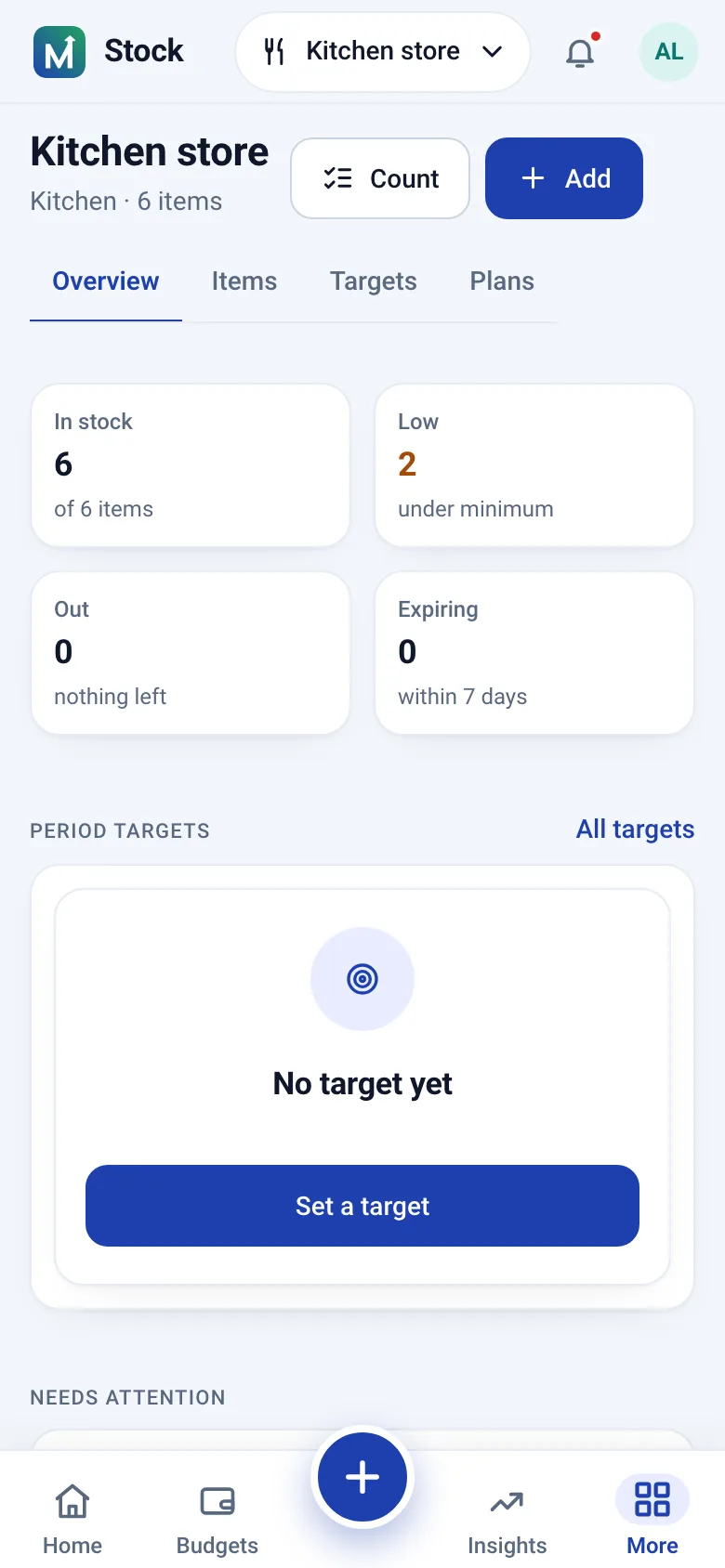
Each stock item lives in a location (home, kitchen, store, site) with one unit: kilograms, grams, litres, millilitres, pieces, packets, boxes, bags, bottles or metres, or a unit of your own. Conversions happen only inside a family (grams to kilograms, millilitres to litres) and quantities in different units are never added together. An item can be linked to the catalogue item you plan and buy, so stock, budget and prices talk about the same rice.
Every change is a movement
The quantity on hand is never typed; it is the sum of movements: purchases in, use out, transfers between locations, returns, damage, expiry, loss, opening stock and count adjustments. A mistake is reversed with an opposite movement rather than deleted, so the history always explains the figure on the shelf. Recording a purchase from an expense adds the quantity to stock in one step, and a refund or reversal of that expense takes it out again.
Will it last? Targets and pace
A target says how much a period should use: 25 kg of rice in 30 days. The page compares what has been used with the even-use line, says slower or faster than planned, estimates the average use per day from your own records, projects when the item runs out and how much more to buy to reach the end of the period. Alerts are optional per target: when the stock will not last, when use runs above the planned rate for three days, when the quantity drops below a threshold, when the period ends.
- Estimates from your records, never from a guess
- Weekly, monthly or custom periods, rolled into the next one
- Remaining stock is carried in when a new period starts
Counting the shelf
A count compares what is physically there with the stock expected on the counted day and records the difference with a reason: loss, found, unrecorded use, damage, expiry. The adjustment is dated that day, so a count done late moves today's quantity only by the difference found then. A count changes nothing in your money: it is never an expense.
Stock plans tied to the budget
A stock plan groups the targets of a period and can be linked to a budget, so the money side (budget for these items, spent, left) comes from the same budget summary as everywhere else, next to carried in, bought, used, remaining and still to buy per item. Closing a period snapshots the quantities and carries the remaining stock forward.
Step by step
Keep stock in Moneva
The Keep stock journey from the Help page.
- Add stock: the item, the quantity, the unit.
- Record use as things are used up.
- Set a target for how long a quantity should last.
- Count the shelf to correct the figures with a reason.
In short
Plain facts
- Stock in Moneva keeps bulk items in kilos, litres, pieces or packets per location; quantities in different units are never added together.
- An item's quantity on hand is the sum of its movements: purchases, use, transfers, returns, damage, expiry, loss and count adjustments.
- A target compares use with the even-use line, estimates average use per day from your records and projects when the item runs out and how much to buy.
- A count records the difference between the shelf and the expected stock with a reason; it is never an expense.
- Recording a purchase from an expense adds the quantity to stock in one step; a refund or reversal takes it out again.
Questions
Questions people ask
Is this a home inventory app?
For consumables, yes: things you buy in bulk and use up. It tracks quantities and whether they will last; it is not a catalogue of your furniture or electronics.
Does stock change my budget figures?
No. Purchases come from expenses you record; use, counts, transfers and period closes are stock only. The dashboard's estimated value multiplies quantity by unit cost and sums money, never quantities.
Can two people record stock in the same household?
Yes. Any member who may record transactions can add stock, record use and transfer between locations; managing locations, targets, plans and counts needs budget editing rights.
What if I change the unit of an item?
Inside the same family (kilos and grams, litres and millilitres) the whole history, every target and every count line is converted with it, so the figures keep saying the same thing in the new unit.
Related pages
Put the sack of rice in stock
Create an account, add the first item with its quantity and set a target for the month.