

Install
Install the budget app on any phone, and what works offline
Moneva is a progressive web app (PWA): a budget app that installs from the browser on Android, iPhone, Windows and Mac without an app store, opens like an app in portrait, updates itself and takes up almost no storage. This page says how to install it and, honestly, what it does and does not do without a connection.
- Android, iPhone, desktop
- Updates arrive on their own
- Money data needs a connection
Install from the browser
On Android, open the site in Chrome and tap Install app or Add to Home screen, then Install. On iPhone and iPad, open it in Safari, tap Share, then Add to Home Screen. On a desktop, click the install icon in the address bar of Chrome or Edge; in Safari on a Mac choose File → Add to Dock. The Install the app button on the home page opens the browser's own prompt when it offers one and this guide otherwise. The icon then opens Moneva full screen, in portrait on a phone.
Updates without a store
Every release installs itself the next time you open the app. If you are in the middle of a form, a Refresh toast waits for you instead of reloading the page underneath you. There is nothing to download from a store and nothing to uninstall when a version changes.
What works without a connection
The public pages and the offline screen are kept on the device, so the app opens quickly and tells you when you are offline instead of failing silently. Your money data is not stored on the device: budgets, transactions and balances need a connection to show and to save, and nothing financial is queued for later. That is a deliberate choice: a household budget that three people record on must never show two versions of the truth, and a lost phone must never carry the figures.
- Cached: the public pages, the offline screen, the shell
- Needs a connection: every budget, record and balance
- Never on the device: anything financial
Reminders and notifications
Bill reminders, approvals waiting, milestones reached and the weekly review arrive in the app's notification centre, and by email or push notification when you turn those channels on under Settings → Notifications. Push works where the browser supports it, on Android and on desktop, and on iPhone once the app is installed on the home screen.
Any phone, any screen, three languages
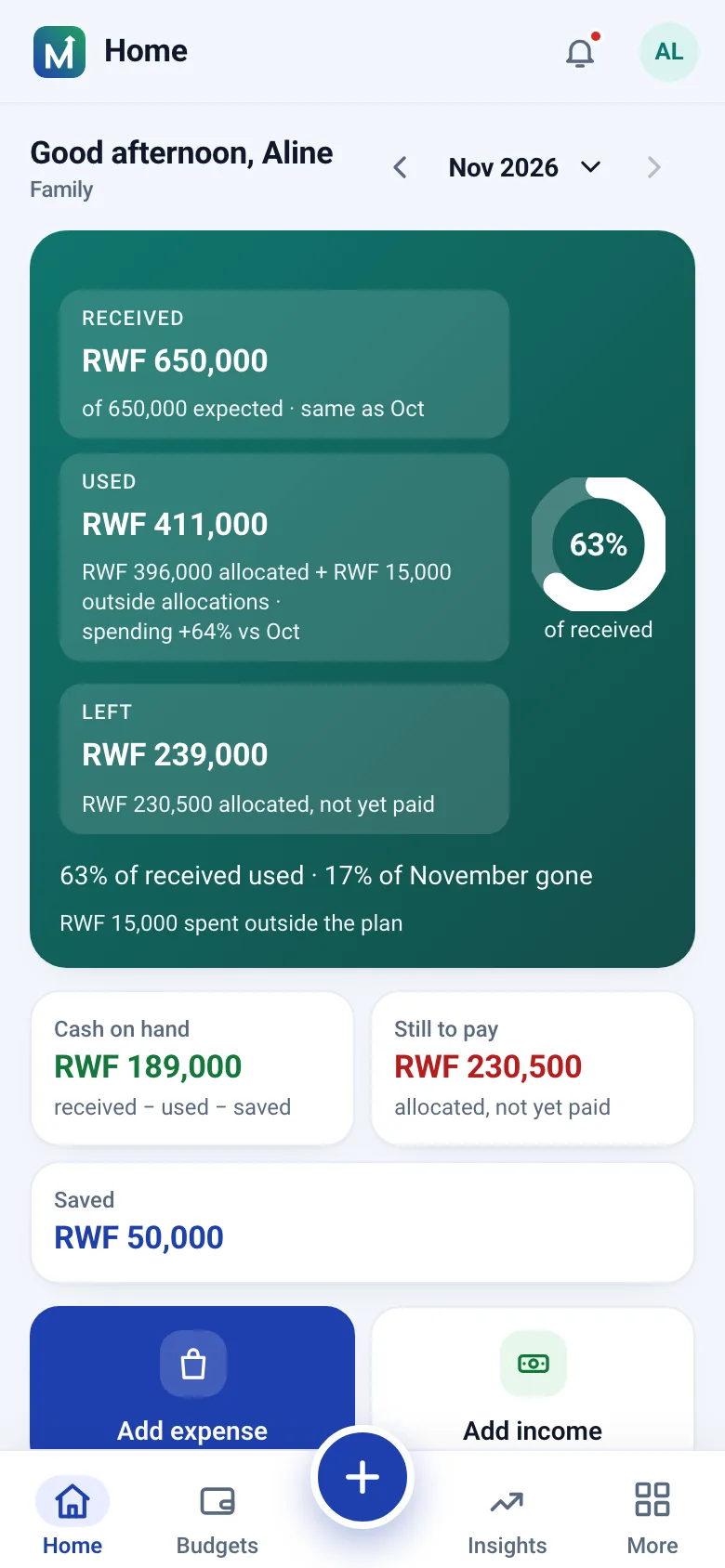
Moneva runs in any modern browser, so a modest Android phone, a shared family tablet and the office laptop all open the same account. The desktop layout adds a sidebar; the phone keeps the + button within reach of a thumb. Switch the interface between English, French and Kinyarwanda under Preferences; the choice follows your account.
Step by step
Install Moneva as an app
About a minute, no store account needed.
- Open the site in your phone's browser and sign in.
- Choose Install app or Add to Home screen (on iPhone: Share, then Add to Home Screen).
- Confirm. The icon appears on the home screen and opens in portrait.
- Switch the language under Preferences: English, French or Kinyarwanda.
In short
Plain facts
- Moneva is a progressive web app that installs from the browser on Android, iPhone, Windows and Mac; no app store is involved.
- Updates install themselves on the next visit; a Refresh toast waits when a form is open.
- The public pages and the offline screen are cached on the device; money data is never stored on the device and needs a connection to show and to save.
- Notifications arrive in the app and, when turned on, by email or push notification where the browser supports it.
- The interface is available in English, French and Kinyarwanda and adapts to phones, tablets and desktops.
Questions
Questions people ask
Does Moneva work offline?
Not for your money data. The app opens and tells you that you are offline; budgets, records and balances need a connection and nothing financial is stored on the phone.
Is it in the Play Store or the App Store?
No. It installs from the browser on Android, iPhone and desktop, which is why it is available on the same day everywhere and updates on its own.
How much space does it take?
A few megabytes for the shell, fonts and public pages. Your figures live on the server, not on the device.
Can I use it on a computer?
Yes. The same account opens in any modern browser with a desktop layout, and Chrome or Edge can install it as a window of its own.
Related pages
Put it on the home screen
Create an account, open the site on your phone and choose Add to Home screen.