

Phases and milestones
Foundation, walls, roof, finishes — each phase with its own allocation and a milestone you can photograph. Progress is measured by work done, not money gone.
For projects
Building a house, running an event, delivering a contract: money moves through many hands over months, and "about six million" is not an answer. A project space tracks allocations per phase, commits money before it leaves, and shows variance you can explain line by line.
What a project gets
Foundation, walls, roof, finishes — each phase with its own allocation and a milestone you can photograph. Progress is measured by work done, not money gone.
Ask before buying: the approver commits the money, the available figure drops immediately, and the request is fulfilled with the actual amount and a receipt afterwards.
Available = allocated − actual − committed − pending. Two people cannot promise the same money to different suppliers.
Move money from contingency to a phase with a written reason. At the end, the revision history is the story of where the surprises came from.
Attach a receipt to every material purchase, a weekly sheet to labour, and a photo to each milestone. Five minutes a day; no disputes later.
Planned versus actual per phase and line, what went well, what to improve — and the true cost per square metre for next time.
On site
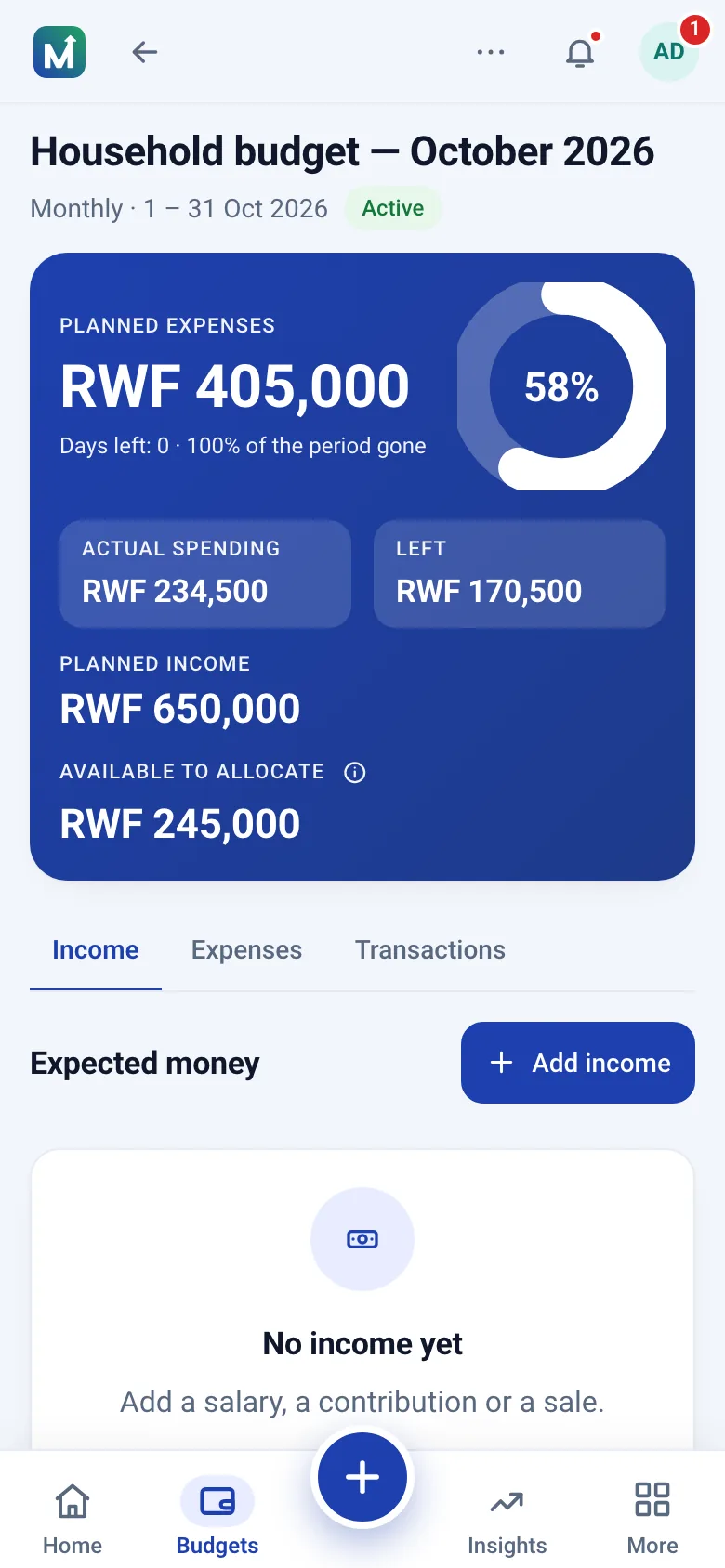
A budget opens on the available figure — allocated minus spent, committed and pending — with those three amounts right underneath and a pace estimate for the period. Each line shows what is allocated, what has been spent and what is left, and the plan figures sit behind one tap.
A three-bedroom build planned at RWF 48,000,000 across seven phases plus a 9.4 percent contingency. In the roof phase, materials are allocated RWF 7,500,000: RWF 4,380,000 actual, RWF 2,150,000 committed for the remaining sheets, RWF 180,000 pending for fixings. Allocated minus actual suggests RWF 3,120,000 is free; the honest available figure is RWF 790,000, and the gutters are still unordered at RWF 950,000. That is a revision to make today, not an overrun to explain next month.
Every project screen shows the same four figures per line — allocated, committed, actual and available — with the definition one tap away, so the whole team reads the budget the same way. A one-off event is the same thing with a single phase and a shorter deadline.
Moneva does not replace a bill of quantities or a quantity surveyor; it tracks the money against whatever plan you have, however rough, and makes the gap between plan and reality impossible to miss.
Questions
Committed is money promised through an approved expenditure request; actual is money already spent and recorded. Available equals allocated minus actual minus committed minus pending.
You can add anyone as a contributor so they record costs they incur, while approvers keep control of what is released.
Yes. A project budget has its own start and end dates and can be revised with a documented reason at any point.
Create a free account, draft the phases with a separate contingency line, and commit money before it leaves.
Install from your browser — no app store needed.