

Roles that fit the family
Owner, admin, approver, contributor, viewer. A grandparent who contributes but never spends can be a viewer; a teenager can record on the lines assigned to them and nothing else.
For families and flatmates
Most money arguments are not about amounts; they are about finding out too late. A household space in Moneva gives everyone the same plan, a clear owner for every line, and a feed that shows what happened — while each person's own money stays private.
What changes
Owner, admin, approver, contributor, viewer. A grandparent who contributes but never spends can be a viewer; a teenager can record on the lines assigned to them and nothing else.
Groceries belong to one person, utilities to another. Anyone who spends records it; the owner checks the line weekly and answers questions about it.
Set a threshold — say RWF 50,000 — and only expenses above it wait for an approver. Small purchases flow; big ones get a second look.
Each member keeps a private personal space. The household feed shows actions, not amounts, unless the owner turns amounts on.
Each person's monthly contribution is recorded in the household space, so everyone can see how much of the plan is funded.
Line owners get the nudges for their lines; approvers get a digest of what is waiting. Nobody is nagged about someone else's job.
One screen for everyone
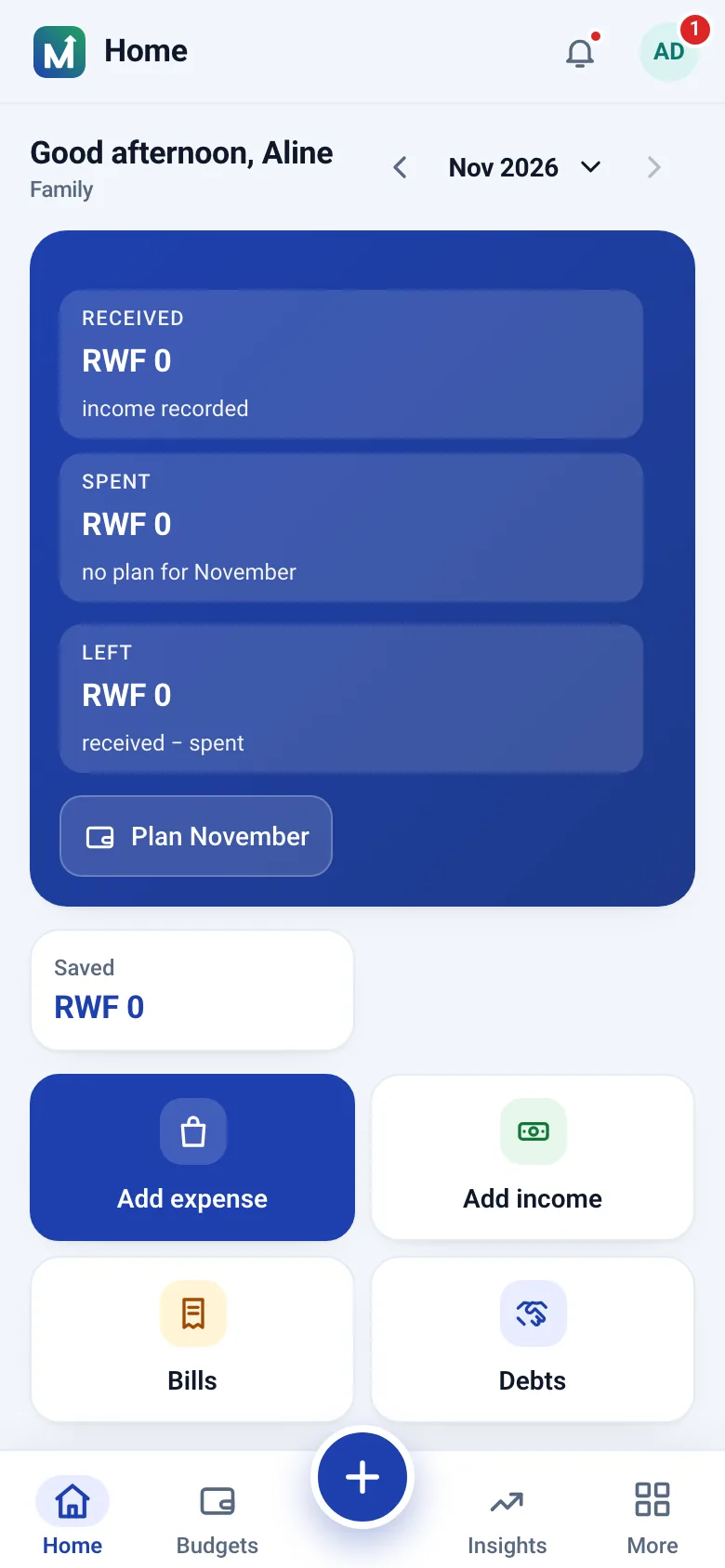
Home opens on what is safe to spend from the shared budget, then income and spending so far and the lines that need attention. Every member with access sees the same figures; each member's personal space stays invisible to the others.
Couples who share rent and food but keep separate accounts. Families with working adult children who each cover part of the household. Flatmates who are tired of the shared-costs spreadsheet. Extended families supporting a relative's school fees together. In each case the shared space holds only what the members put in it; everything else stays private.
What happens if someone leaves? Their membership ends immediately, but the transactions and approvals they recorded stay in the space because the other members' balances depend on them. Their personal space is untouched. The privacy policy sets this out in full.
Start with one shared month: record the contributions as income, give each line an owner and let the week-by-week figures settle the conversation. Group accountability covers the approval and feed options in more depth.
Questions
Members see the shared household budget and the transactions recorded in it. Personal spaces stay private, so personal spending is never shown.
Yes. Set an approval threshold on the budget and expenses above it wait for an approver before they count against the line.
Owner, admin, budget manager, approver, executor, contributor and viewer. Roles decide who can edit the plan, approve spending, record expenses or only look; on each budget the owner also chooses what a member may add (income, expenses, transactions or view only) and see.
Create a free account, invite the people you share costs with, and build the budget from last month's bills together.
Install from your browser — no app store needed.