

Plan the month. See what is left.
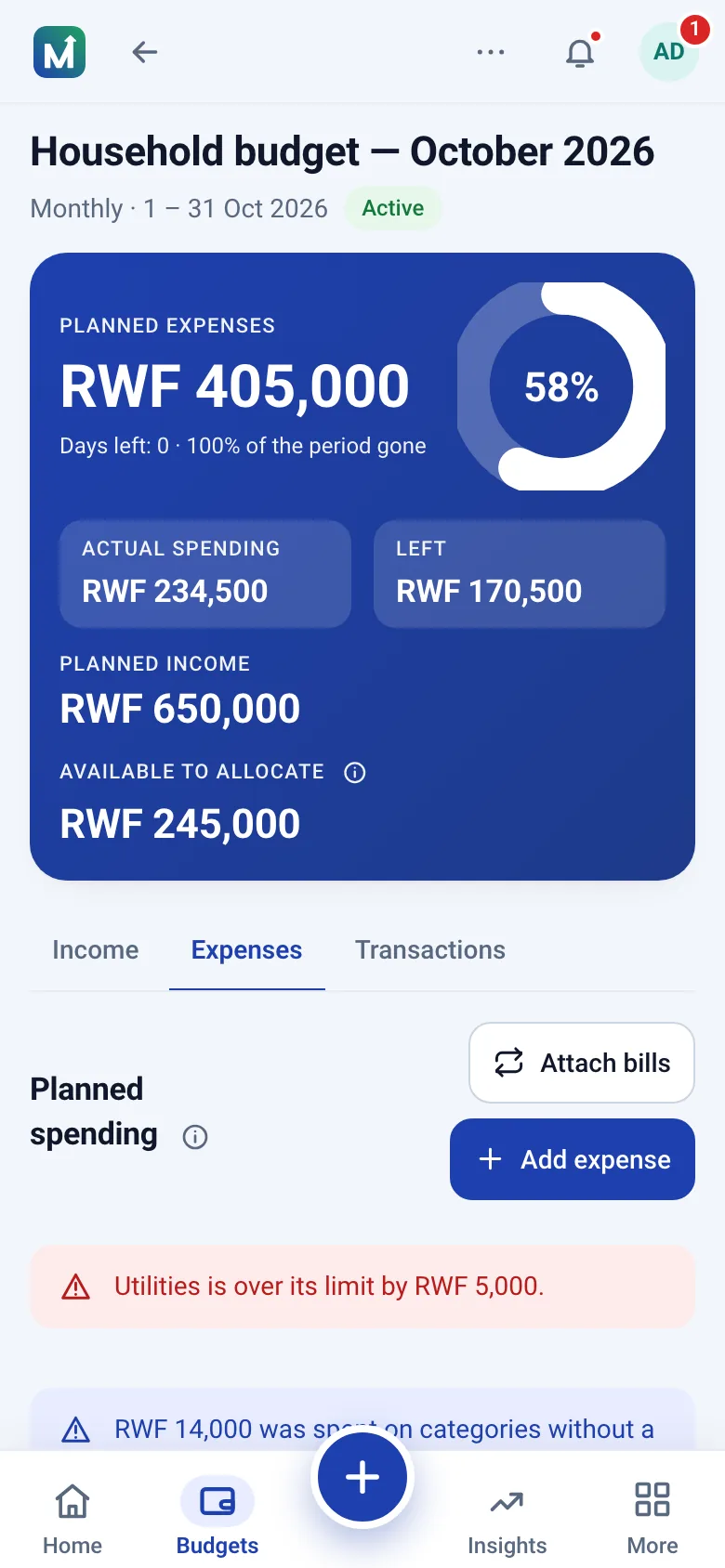
One budget the whole household records together, from any phone.
- Plan together
- Track bills
- Keep stock
What you can do
Personal budgets
Plan the month from real income and see what is left.
Personal budgetingHousehold & shared budgets
Everyone records their share; the owner sees the whole picture.
Household budgetsStock that lasts
Track rice, oil and soap in bulk and see if it lasts.
How stock worksFair-price intelligence
Your price per kilo against the median of anonymised purchases nearby.
How prices workCollaborative budgets
One budget, everybody's contributions, nobody's privacy lost.
Invite the people who share the costs. Each records under their own name.
- Access levels enforced on the serverIncome, expenses, transactions or view only, checked on every request.
- Every entry keeps its authorAn owner's edit never erases who added what.
- One currency per budgetTotals are never added across currencies.
Food RWF 95,000 of 180,000
Example entries · amounts in RWF
How it works
Three habits, one place.
-
1 · Plan
Plan the period
Set the period, the income you expect and the expenses.
-
2 · Record
Record what happens
Log money received and payments as they happen.
-
3 · Understand
Understand where it went
See what was received, spent and left, and why.
Security and privacy
Authenticator sign-in
Codes from any TOTP app, with recovery codes.
Permissions that hold
Every page and every save is authorised on the server.
Private by default
No ads, no trackers, no data sales.
FAQ
Questions people ask first
Can my family share one budget?
Yes. Create the budget, then invite each person by email address and choose what they can contribute to — income, expenses, transactions, any combination, or view only — and what they can see: other members' names and entries, category totals, the overall balances. Everyone plans and records in the same budget; the owner sees the whole picture. Each entry keeps the name of the person who added it.
Does it work offline?
No. The app needs a connection for your money data: budgets, transactions and balances are never stored on the device, so a shared budget never shows two versions of the truth. The public site and an offline screen are cached, so the app opens quickly and tells you when you are offline instead of failing silently.
What does it cost?
Nothing today. Every feature is included and nothing is billed. Paid plans are not available yet; if we introduce them we will announce it well in advance, and the budgeting essentials will stay free. See the pricing page.
Who can see my personal budget?
Only you. Personal spaces are private. Members of a household, group or project space see only what is recorded in that shared space.
How do I protect my account?
Use a password of at least ten characters that is not a common one, and turn on two-step sign-in from Settings → Security: scan the QR code with Google Authenticator, Microsoft Authenticator or any TOTP app, then enter the six-digit code when you sign in. Keep the recovery codes somewhere safe for the day the phone is lost. Sign-in attempts are rate limited, and the security page explains the rest.
Do you sell my data or show ads?
No. We do not sell personal data, show advertising or load third-party trackers. The only cookies are the session and CSRF cookies the app needs to work. See the privacy policy.
Start with one honest month
Plan next month from your real income and record as you go, together.