

Education
A school fees budget that is ready before the term
School fees arrive on a date, not by surprise, yet they are the expense most households scramble for. A school fees budget in Moneva treats them as a bill due every term or every year, saves towards them in a dedicated account, and keeps uniforms, transport, books and exam fees on their own lines so the real cost of a school year is visible.
- Bills every 3 months or yearly
- A School fees savings account
- Twelve education sub-categories
Every school cost has a line
The Education category holds school fees (minerval, amafaranga y'ishuri), private school fees, academic support and tutoring, childcare and nursery, pocket money, uniforms, books and stationery, school transport, exams and registration, university, courses and training, boarding and school trips. Helping family & friends has its own School fees for someone, so a nephew's term is visible as giving rather than lost in the household's education line.
Fees as a bill, due every term
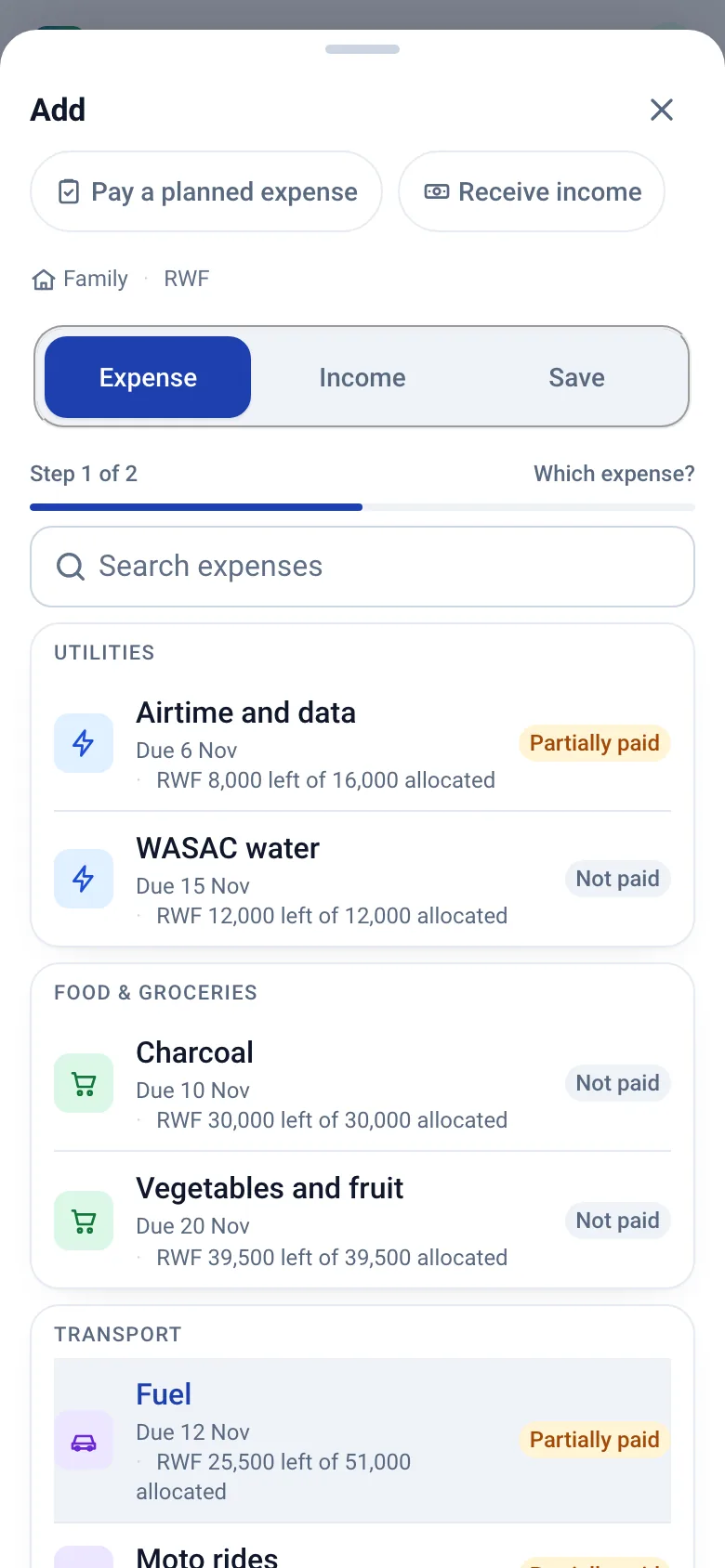
Add the fees once as a bill: the amount, Every 3 months on the due day for a term, or Yearly on a date, with a reminder a few days before. Attach it to each budget and the term's fees appear as a planned entry with its due date; allocate the money when it is set aside and record the payment at the school with the receipt. The entry reads Partially paid when the school accepts instalments and Fully paid when the term is cleared. Mark the line high priority and it rises first on the Expenses tab and the Bills page.
Saving ahead, one term at a time
A savings account with the purpose School fees takes a target and the term date and shows the monthly amount: the target minus what is saved, divided by the months left. Deposits are transfers, not spending, and milestones at 25, 50, 75 and 100 percent mark the way. When the term comes, take the money out and pay the bill; the account's history shows the withdrawal honestly.
Paying for a child together
Extended families often share one child's fees. A household or group space records each relative's contribution as income under their name, the fees as one planned entry, and the payment with the school receipt attached, so everyone sees that the term is covered. The Household template already includes school fees and childcare lines.
For students
The Student template plans term-time money: accommodation, food, airtime and internet, transport, books, a little fun, a savings line and a small flexible reserve, on a monthly period in a personal space that nobody else can see.
Step by step
Plan school fees in Moneva
Before the term, not the week it starts.
- Add the fees as a bill: the amount, Every 3 months or Yearly, the due date, a reminder.
- Open a School fees savings account with the target and the term date; deposit monthly.
- Attach the bill to each budget and allocate the entry when the money is set aside.
- Record the payment at the school with the receipt; the entry reads Fully paid.
In short
Plain facts
- School fees in Moneva are planned as a bill that repeats every three months or yearly and becomes one planned entry per term in the budget.
- The Education category has twelve sub-categories, from school fees and uniforms to boarding and school trips; School fees for someone sits under Helping family & friends.
- A savings account with the purpose School fees shows the monthly amount needed: target minus saved, divided by the months left.
- Fees paid in instalments read Partially paid until the term is cleared, then Fully paid.
- The Household template includes school fees and childcare; the Student template plans a term-time month.
Questions
Questions people ask
Can I split the fees into instalments?
Yes. Record each instalment as a payment on the same entry; it reads Partially paid until the full amount is recorded.
How much should I save each month for the next term?
Open a School fees savings account with the target and the term date; the monthly amount is the target minus what is saved, divided by the months left, and updates after every deposit.
Can relatives contribute to one child's fees?
Yes. In a shared space each contribution is recorded as income under the contributor's name and the fees as one planned entry, so the family sees whether the term is covered.
Does Moneva pay the school?
No. You pay by cash, mobile money, bank transfer or card and record the payment, with the receipt attached if you want it.
Related pages
Plan next term now
Create an account, add the fees as a bill and open the savings account for the term.